Best Budget PC Gamepads & Accessories
Budget PC gamepads and accessories 2025 are the best way to upgrade your setup without overspending. This hub covers the latest reviews, buying tips, and deals to help you find affordable gear that performs.
Discover the best budget PC gamepads and controllers for Windows & Steam. Our guide highlights affordable, high-performance options for gamers who want comfort, precision, and reliability without overspending.
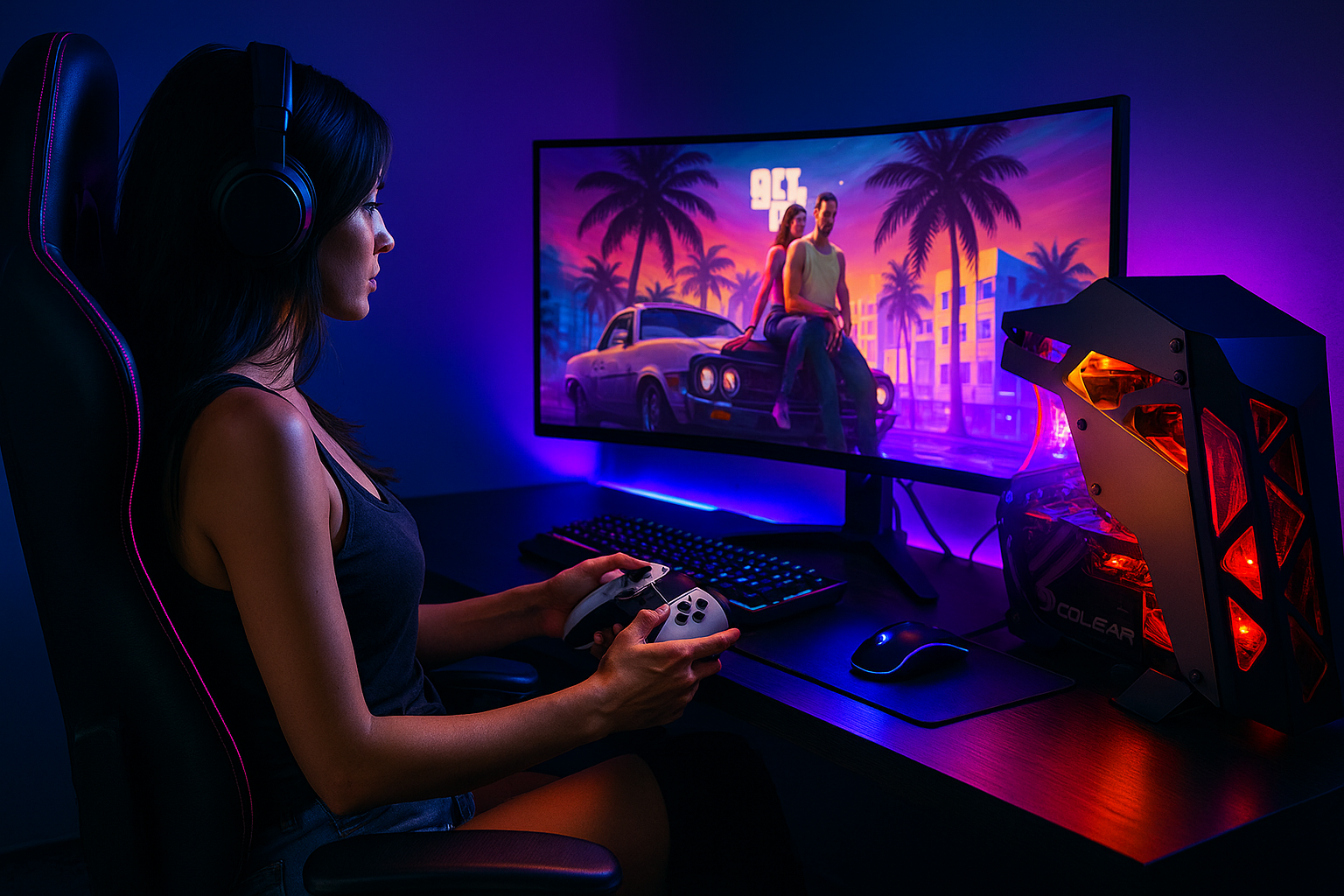
Latest Budget PC Gamepad Reviews & Guides
Budget PC gamepads and accessories 2025 — buying guide
This quick guide explains what matters most when shopping for budget PC gamepads and accessories 2025—so you get low latency, comfortable ergonomics, and reliable inputs without overspending. Use the tips below, then explore our latest reviews inside PC Gamepads.
Connectivity & Latency (Wired, Bluetooth, 2.4 GHz)
For competitive or fast-paced games, wired USB offers the lowest and most consistent latency. 2.4 GHz wireless (USB dongle) is a close second and great for couch play. Bluetooth is the most convenient across devices, but can add input delay and drop packets in busy RF environments. If a controller offers multiple modes, prioritize 2.4 GHz for PC gaming sessions. These choices matter most when comparing budget PC gamepads and accessories 2025 for Windows and Steam.
Sticks, Sensors & Triggers (Hall-effect if possible)
Hall-effect sticks and triggers use magnets instead of physical potentiometers, reducing wear and drift over time. If your budget allows, choose a model with Hall-effect inputs. Otherwise, look for dead-zone adjustments in software, plus tight center return and smooth ramping for aim precision.
Ergonomics, Grip & Weight
A good budget controller should feel secure during long sessions. Look for textured grips, balanced weight (200–260 g for most users), and face buttons with crisp feedback. Among budget PC gamepads and accessories 2025, compact shells suit smaller hands, while wired models tend to be lighter.
Back Buttons & Macros (nice-to-have on a budget)
Rear paddles let you jump, slide, or reload without lifting thumbs from the sticks—handy for shooters and MOBAs. On budget PC gamepads, programmable macro buttons can replicate combos or actions. Prioritize reliable fundamentals first (latency, build, sticks), then add paddles if your games benefit.
Compatibility: Windows, Steam Input, XInput
For the easiest PC experience, make sure the controller supports XInput mode for Windows. Steam Input can remap most controllers and add per-game profiles— see the official guide at Steam Input. Most budget PC gamepads and accessories 2025 advertise XInput support; check the manual or software if unsure.
Accessories worth considering
- USB-C cables (braided, 2–3 m) for wired play and charging.
- 2.4 GHz dongle (if sold separately) for lower latency vs Bluetooth.
- Stands/docks to keep pads charged and organized.
- Grips & thumb caps to improve comfort and reduce slip.
- Hard cases if you travel with your controller.
Ready to pick? Browse our latest PC gamepads reviews, or jump to top posts.
FAQ — Budget PC Gamepads & Accessories
Common questions about budget PC gamepads and accessories — compatibility, performance, and buying tips.
Are budget PC gamepads good for competitive gaming?
Yes — many budget PC gamepads now feature Hall-effect sticks, low-latency 2.4 GHz modes, and solid ergonomics. While they might not match the build quality of premium models, they deliver excellent performance for casual and mid-level play.
What’s the difference between wired, Bluetooth, and 2.4 GHz controllers?
Wired controllers offer the most stable, zero-latency connection. 2.4 GHz wireless models balance freedom and responsiveness, while Bluetooth is more universal but can occasionally introduce delay. Most gamers prefer 2.4 GHz or wired for competitive titles.
Do I need extra accessories for my PC gamepad?
Not necessarily, but some PC gamepad accessories can improve comfort and performance: grips, braided USB-C cables, and thumb caps are inexpensive upgrades. Charging docks or hard cases also extend lifespan and convenience.
Will a budget controller work with Steam and Windows 11?
Almost all modern controllers work through XInput or Steam Input. Windows 11 automatically detects most USB and 2.4 GHz gamepads. If you encounter issues, open Steam’s controller settings and enable Steam Input remapping for universal compatibility.
How long do budget controllers typically last?
Lifespan depends on materials and switch quality. Expect 1–2 years of reliable use with daily gaming, or longer if stored properly. Models using Hall-effect sensors usually last much longer because they resist drift and wear.
Explore Millions of Gamepads & Accessories on AliExpress
Discover an extensive selection of budget PC gamepads and accessories on AliExpress — offering top-rated controllers, headsets, grips, and gaming gear at prices for every budget. Enjoy worldwide shipping and seasonal discounts from trusted brands and verified sellers.

Disclosure: This section contains affiliate links. We may earn a small commission when you purchase through them — at no extra cost to you.
Trusted Brands for Budget PC Gamepads & Accessories 2025
Explore top manufacturers and retailers offering budget PC gamepads and accessories 2025. Visit their official stores to find the latest models, bundles, and verified product deals.
Note: External brand links are provided for reference and convenience. Each company listed offers authentic budget PC gamepads and accessories 2025 through official channels.